
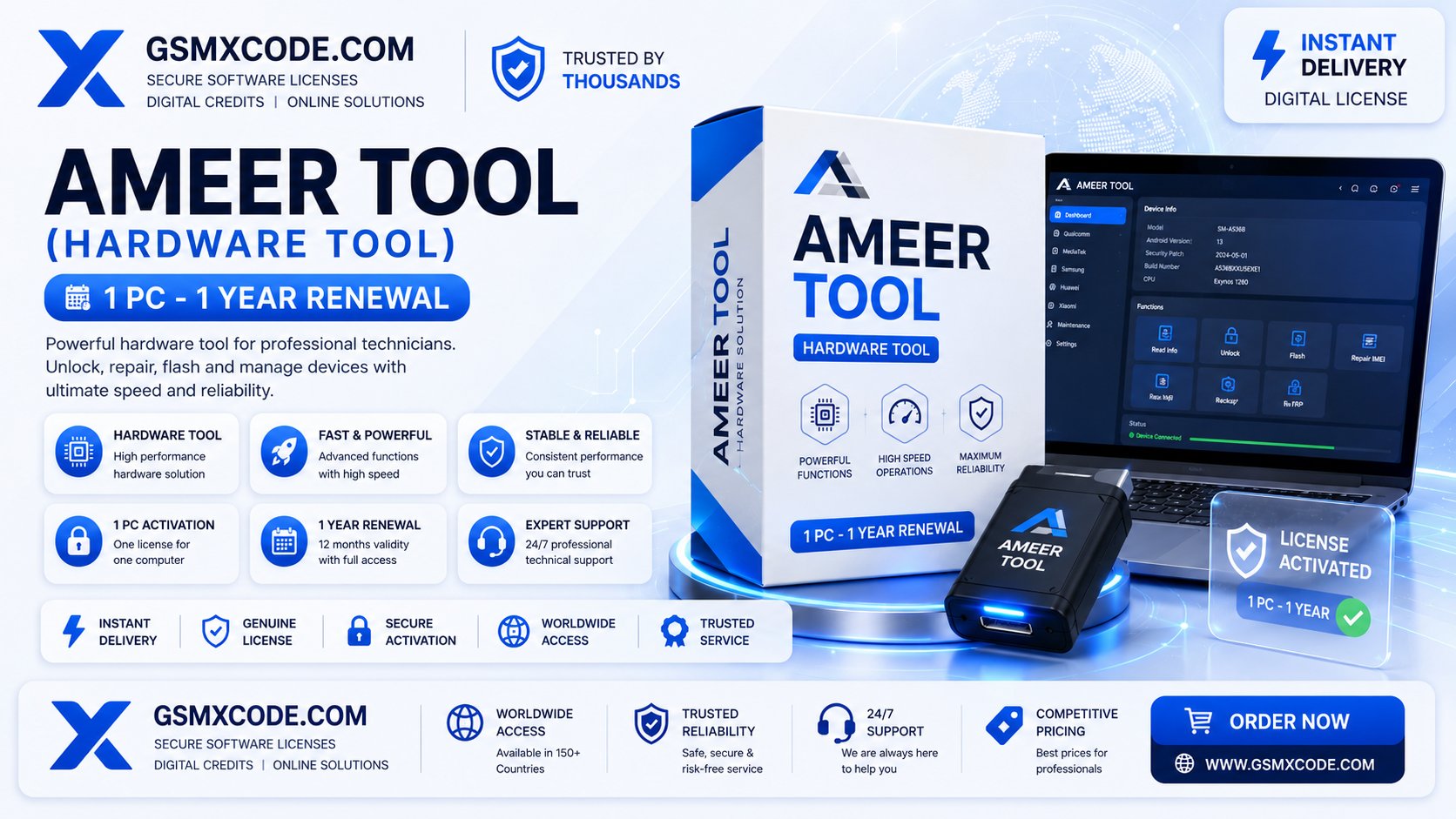
Ameer Tool (Hardware) 1 PC – 1 Year Renewal | Complete Guide 2026
Ameer Tool (Hardware) – 1 PC, 1 Year Renewal: Everything Technicians Need to Know
Hardware-based GSM tools work a little differently from purely software licenses, and Ameer Tool is a good example of that. It's a physical hardware tool, which means your investment isn't just in a license — it's in the dongle itself. But that hardware still needs to stay renewed to keep working with the latest supported devices and features, which is exactly what the 1 PC, 1 Year Renewal plan covers. If you already own the Ameer Tool hardware and your renewal is coming up, or you're trying to understand what renewal actually gives you versus the hardware you've already paid for, this guide walks through the whole process.
We'll cover what the Ameer Tool hardware does, why renewal matters even though you already own the physical unit, what the 1 PC – 1 year plan includes, and how to buy a genuine renewal without running into the usual problems technicians face with unverified sellers.
Table of Contents
- What Is Ameer Tool (Hardware)?
- Hardware Purchase vs Annual Renewal – What's the Difference?
- What Does "1 PC – 1 Year Renewal" Include?
- How the Renewal Process Works
- Why Renewal Matters Even With Hardware You Own
- Key Features of Ameer Tool
- Who Should Use Ameer Tool
- System Requirements
- Supported Devices and Brands
- Common Problems Technicians Face
- Common Mistakes When Renewing
- Pricing Factors
- Buying Guide
- Best Practices for Long-Term Use
- Troubleshooting Renewal Issues
- Frequently Asked Questions
- Final Thoughts
What Is Ameer Tool (Hardware)?
Ameer Tool is a physical hardware dongle used by GSM technicians for repair, flashing, and diagnostic operations on supported mobile devices. Unlike purely software-based platforms, owning the Ameer Tool hardware is a one-time purchase for the physical unit itself — but like most professional GSM hardware, it still relies on an active software license tied to that hardware to keep functioning with current device support and features.
That's where the 1 PC – 1 Year Renewal comes in. It's not a purchase of new hardware; it's the annual renewal that keeps your existing dongle fully functional and updated.
Hardware Purchase vs Annual Renewal – What's the Difference?
This distinction trips up a lot of first-time buyers, so it's worth being clear about it:
- Hardware Purchase: A one-time cost for the physical Ameer Tool dongle itself. You own this unit outright once purchased.
- Annual Renewal (1 PC – 1 Year): A recurring license tied to your specific hardware unit and PC, which keeps the tool's software features active, updated, and supported for another 12 months.
In other words, buying the hardware gets you the tool. Renewal keeps that tool working properly year after year.
What Does "1 PC – 1 Year Renewal" Include?
The 1 PC – 1 Year Renewal plan typically covers:
- Continued software activation tied to your specific PC and hardware unit for 12 months
- Access to updates released during the renewal period, including new supported devices
- Continued use of all core Ameer Tool repair and diagnostic functions
- Support for the renewal process itself if activation doesn't apply correctly
Since the license is bound to one PC, if you plan on switching machines, it's worth confirming the renewal process for hardware reassignment before you buy.
How the Renewal Process Works
The general renewal flow looks like this:
- Confirm your Ameer Tool hardware ID and current PC details.
- Purchase the 1 PC – 1 Year Renewal for your specific hardware unit.
- Apply the renewal code or activation through the Ameer Tool software.
- Once processed, your tool's license extends for another 12 months, with access to updates released during that period.
Why Renewal Matters Even With Hardware You Own
Some technicians assume that once they've bought the physical dongle, they're set permanently — but that's not how most professional GSM hardware works. Device support changes constantly as new models launch, and the software layer tied to your hardware needs regular updates to keep pace. Without an active renewal, your Ameer Tool hardware may still exist physically, but its usefulness for current repair work drops sharply as it falls out of date.
For genuine products and professional GSM solutions, you can check current Ameer Tool renewal pricing and availability directly at GSMXCODE's server services page.
Key Features of Ameer Tool
While specific features can be updated by the developer over time, Ameer Tool hardware generally supports:
- Firmware flashing and repair functions for supported devices
- Diagnostic and reporting tools for technicians
- Regular software updates delivered through active renewal
- A hardware-based approach that many technicians trust for stability compared to purely cloud-dependent tools
Who Should Use Ameer Tool
- GSM repair shop owners who prefer hardware-based tools over software-only platforms
- Technicians who already own the Ameer Tool dongle and need to keep it current
- Shops handling regular repair work that depends on up-to-date device support
System Requirements
- A Windows PC (check current OS compatibility at the time of renewal)
- The physical Ameer Tool hardware unit
- Stable internet connection for renewal activation and updates
- A genuine USB data cable and updated drivers for the devices you service
Supported Devices and Brands
Ameer Tool hardware generally supports a range of popular mobile brands relevant to GSM repair shops, with device coverage expanding through updates delivered as part of an active renewal. Because supported models can change, it's worth checking the current device list before relying on the tool for a specific repair.
Common Problems Technicians Face
- Renewal not reflecting immediately — server-side activations can take a short time to sync.
- Hardware ID mismatch — usually resolved by confirming the correct hardware and PC details were submitted at purchase.
- Confusion between buying new hardware and renewing existing hardware — always confirm you're purchasing a renewal, not a new unit, if you already own the dongle.
- Missed renewal window — letting your license lapse means losing access to current updates until you renew.
Common Mistakes When Renewing
- Submitting incorrect hardware ID details, delaying the renewal process
- Assuming the hardware purchase alone guarantees permanent access without renewal
- Buying from unverified sellers offering suspiciously cheap renewal codes
- Forgetting to renew before the 12-month period ends, resulting in outdated device support
Pricing Factors
Ameer Tool renewal pricing generally depends on:
- Current promotional pricing from the seller
- Whether the renewal includes support for setup or reactivation issues
- Any bundled offers available alongside the renewal
Because pricing can shift, it's best to check current rates directly. You can find up-to-date Ameer Tool 1 PC – 1 Year Renewal pricing on GSMXCODE's server services page.
Buying Guide
- Confirm you already own the Ameer Tool hardware before purchasing a renewal rather than a new unit.
- Have your hardware ID and PC details ready to avoid delays during activation.
- Buy from a verified source that confirms the renewal was applied correctly.
- Renew ahead of your expiry date rather than waiting until the tool locks.
Once you're ready, you can simply buy this service from GSMXCODE, where the Ameer Tool 1 PC – 1 Year Renewal is available as a genuine, verified purchase. You can browse the full listing at GSMXCODE's server services page to get started.
Best Practices for Long-Term Use
- Set a renewal reminder a few weeks before your current license expires
- Keep your hardware ID and PC details documented for faster renewal next time
- Keep the Ameer Tool software updated alongside your renewal
- Avoid last-minute renewals that risk downtime during an active repair job
Troubleshooting Renewal Issues
- If renewal isn't reflecting, confirm your hardware ID and PC details match what was submitted at purchase
- Restart the Ameer Tool software and check again after a short wait for server sync
- Confirm your internet connection was stable during the renewal process
- Contact your seller's support team with your order details if the issue continues
If you're looking for a reliable solution, GSMXCODE offers professional services for Ameer Tool hardware renewal, including support if a renewal doesn't apply correctly. You can reach the full services listing anytime at GSMXCODE's server services page.
Frequently Asked Questions
1. What does the Ameer Tool 1 PC – 1 Year Renewal include? It extends your existing hardware's software license for 12 months, including access to updates released during that period.
2. Do I need to buy new hardware every year? No, the physical Ameer Tool dongle is a one-time purchase. Renewal only extends the software license tied to that hardware.
3. What happens if I don't renew on time? Your tool may still exist physically, but its device support and features fall out of date without an active renewal.
4. Is the renewal tied to a specific PC? Yes, the 1 PC plan ties the renewal to your specific hardware unit and computer, so confirm reassignment options if you plan to switch machines.
5. How long does a renewal take to activate? This varies depending on server processing, though most renewals reflect within a reasonable window after purchase.
6. Can I renew before my current license expires? Yes, renewing ahead of your expiry date is generally recommended to avoid any gap in access.
7. Is it safe to buy Ameer Tool renewal online? It's safe when purchased from a verified seller — unusually cheap or unofficial renewal codes carry a real risk of not activating properly.
8. What devices does Ameer Tool hardware support? It supports a range of popular mobile brands relevant to GSM repair work, with coverage expanding through updates tied to active renewal.
9. What should I do if my renewal doesn't reflect after purchase? Confirm your hardware ID and PC details were correct, allow normal processing time, and contact your seller's support team if needed.
10. Where can I buy a genuine Ameer Tool 1 PC – 1 Year Renewal? You can purchase a verified renewal directly through GSMXCODE's server services page.
Final Thoughts
Owning Ameer Tool hardware is only half the equation — keeping it renewed is what actually keeps it useful for day-to-day repair work. The 1 PC – 1 Year Renewal plan is straightforward once you understand it's extending your existing hardware's software license rather than buying anything new, and getting your hardware ID and PC details right at the time of purchase avoids most of the common activation delays technicians run into.
For a straightforward and verified renewal experience, GSMXCODE offers genuine Ameer Tool 1 PC – 1 Year Renewal with proper support if anything doesn't apply correctly. You can explore the complete range of server-based GSM services, including this renewal, at GSMXCODE's server services page before your current license expires.
Recommended Related Articles
- "Hardware Tools vs Software-Only GSM Solutions: Which Should You Choose?"
- "Why GSM Hardware Still Needs Annual Renewal to Stay Useful"
- "A Technician's Guide to Managing Multiple Hardware Tool Renewals"
- "How to Avoid Downtime When Your GSM Tool License Expires"
- "Choosing the Right GSM Hardware for a Growing Repair Shop"
For the complete range of genuine server-based activations, credits, and renewals covered in this guide, visit GSMXCODE's server services page anytime.
Meta Description: Everything you need to know about Ameer Tool hardware, 1 PC – 1 year renewal. Features, requirements, pricing, and where to buy genuine renewal from GSMXCODE.
URL Slug: /ameer-tool-hardware-1pc-1-year-renewal
Focus Keyword: Ameer Tool 1 year renewal
Primary Keyword: Ameer Tool hardware renewal
Secondary Keywords: Ameer Tool 1 PC license, Ameer Tool hardware dongle, Ameer Tool annual renewal, GSM hardware tool renewal
Long-Tail Keywords: how to renew Ameer Tool, Ameer Tool 1 year renewal price, Ameer Tool hardware not activating, Ameer Tool renewal process explained
NLP / LSI / Semantic Keywords: Ameer Tool dongle, GSM hardware tool, mobile repair hardware license, annual tool renewal, professional GSM solutions, technician hardware subscription
Related Search Terms: Ameer Tool official website, Ameer Tool supported models, Ameer Tool renewal not working, GSM hardware tool comparison
