
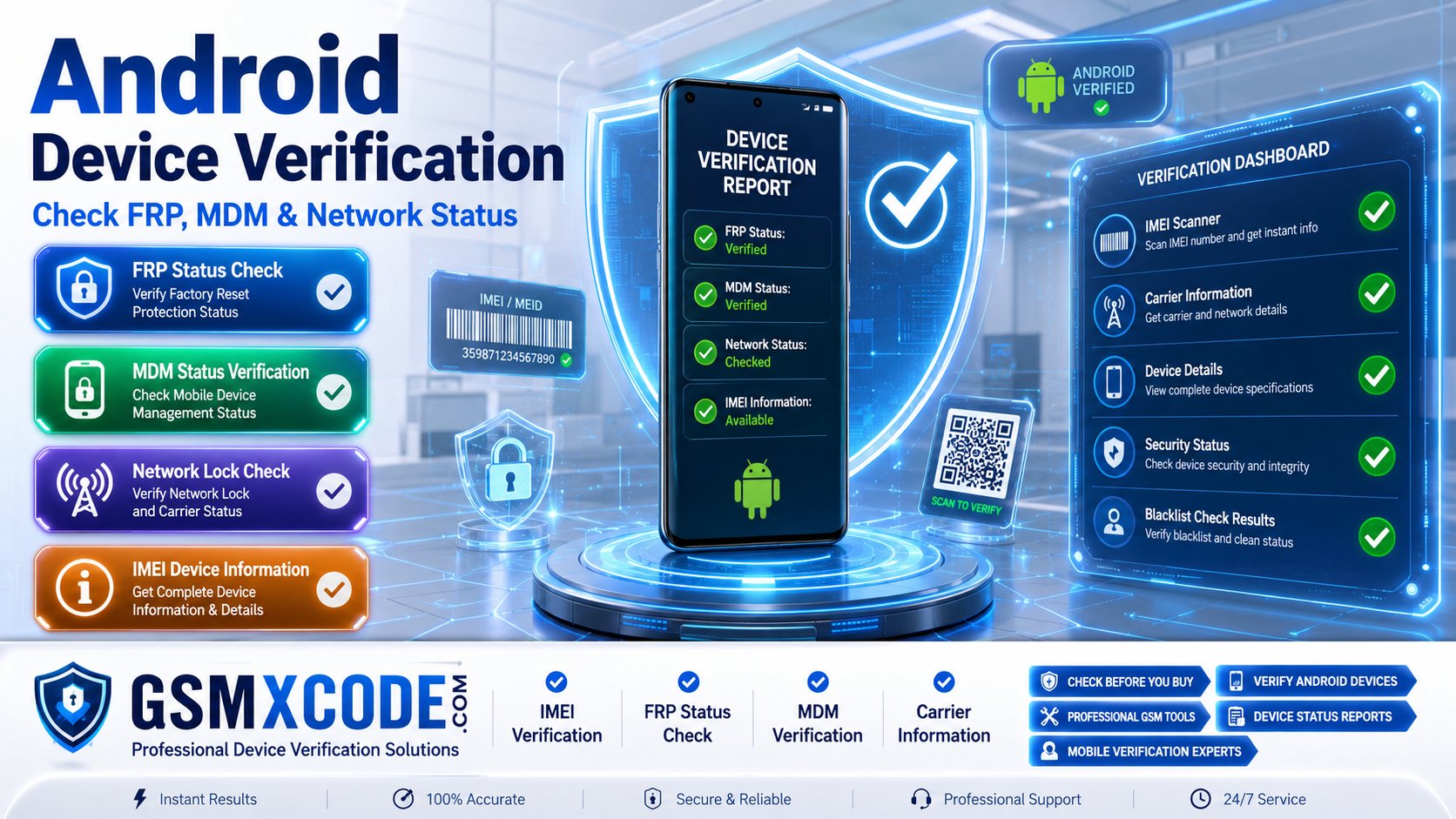
Android Device Verification Guide – Check FRP, MDM and Network Status
Meta Description: Learn how to check Android device status, including FRP lock, MDM lock, network lock, blacklist status, and device eligibility before buying or servicing a smartphone. Discover professional device verification services available through GSMXCODE.
Android Device Verification Guide: Why Checking FRP, MDM, and Network Status Matters
Before buying, selling, repairing, or unlocking an Android device, it is important to verify its current status. Many users encounter unexpected problems after purchasing a used phone or receiving a device from another source. Issues such as Factory Reset Protection (FRP), Mobile Device Management (MDM) restrictions, network locks, or blacklist status can prevent normal device usage.
As a result, users frequently search for:
-
How to check FRP status on Android
-
How to check MDM lock on Android
-
Android network lock checker
-
Check if phone is blacklisted
-
Verify Android device before buying
-
Android IMEI verification service
-
Check carrier lock status
This guide explains the most important Android verification checks and how professional verification services can help you avoid costly mistakes.
What Is Android Device Verification?
Android device verification is the process of checking the current security, management, and network status of a smartphone before performing repairs, unlocking procedures, or ownership transfers.
Verification helps identify:
-
FRP Lock Status
-
MDM Lock Status
-
Carrier Network Lock
-
Blacklist Status
-
Device Model Information
-
Warranty Information
-
IMEI Details
-
Activation Status
These checks provide valuable information for both consumers and mobile repair professionals.
How to Check FRP Status on Android
One of the most common searches among Android users is:
How to Check if FRP Is Enabled
FRP (Factory Reset Protection) is a Google security feature designed to protect Android devices after a factory reset.
FRP may become active when:
-
A Google account is linked to the device.
-
The phone is factory reset.
-
Account verification is required during setup.
Signs That FRP Is Enabled
You may see:
-
Verify Your Account
-
Google Account Verification
-
This Device Was Reset
-
Sign In With Previously Synced Account
Many users search:
-
Android FRP check
-
Google lock status checker
-
How to know if phone has FRP
Verifying FRP status before purchasing a used device can help prevent future access issues.
How to Check MDM Lock Status on Android
Mobile Device Management (MDM) is commonly used by companies, schools, and organizations to manage Android devices remotely.
Users often search:
-
How to check MDM lock on Android
-
Android device managed by organization
-
Company lock removal service
-
Android enterprise lock check
Common Signs of MDM Lock
An Android device may display:
-
Device managed by organization
-
Work profile restrictions
-
Enterprise management policies
-
Restricted settings access
Why MDM Verification Is Important
If a device remains linked to an organization's management system, certain functions may be restricted even after a reset.
Before purchasing a used Android phone, checking MDM status is highly recommended.
How to Check Network Lock Status
Another common issue involves network restrictions.
Users frequently search:
-
Is my phone carrier locked?
-
Network unlock checker
-
Check SIM lock status
-
IMEI network status check
What Is a Network Lock?
A network lock restricts a device to a specific carrier.
Examples include:
-
Verizon Locked
-
AT&T Locked
-
T-Mobile Locked
-
EE Locked
-
Vodafone Locked
Why Verify Network Status?
A carrier lock may prevent:
-
Using SIM cards from other networks
-
International roaming flexibility
-
Resale opportunities
Checking network status before purchasing a device can save time and money.
How to Check Blacklist Status Using IMEI
One of the most important verification checks is determining whether a device is blacklisted.
Popular searches include:
-
IMEI blacklist checker
-
Check if phone is blacklisted
-
Stolen phone status check
-
Lost phone verification
What Is a Blacklisted Device?
A device may be blacklisted if it has been:
-
Reported lost
-
Reported stolen
-
Associated with unpaid carrier balances
-
Restricted by a mobile operator
Why Blacklist Verification Matters
A blacklisted phone may have limited or no network connectivity even if it appears fully functional.
Verifying blacklist status before purchasing a used device is highly recommended.
What Information Can Be Verified Using an IMEI Number?
The IMEI (International Mobile Equipment Identity) serves as a unique identifier for a mobile device.
Using the IMEI, verification services can often provide:
Device Information
-
Brand
-
Model
-
Variant
-
Storage Capacity
Security Status
-
FRP Status
-
MDM Status
-
Activation Status
Network Information
-
Carrier Information
-
SIM Lock Status
-
Blacklist Status
Warranty Information
-
Warranty Coverage
-
Activation Date
-
Service Eligibility
Many repair technicians perform IMEI verification before servicing devices.
Why Device Verification Is Important Before Buying a Used Phone
Many buyers search:
-
How to check used Android phone before buying
-
Verify second-hand phone
-
Android device status check
Verification can help identify:
Hidden Security Locks
FRP and MDM restrictions may not be obvious during a quick inspection.
Network Restrictions
Carrier locks can limit network compatibility.
Blacklist Issues
Blacklisted devices may lose connectivity after purchase.
Device Authenticity
IMEI verification can help confirm the device model and specifications.
Professional Android Device Verification Services at GSMXCODE
If you need professional Android verification services, you can simply purchase supported verification solutions from GSMXCODE.
GSMXCODE provides a variety of GSM-related services including:
-
IMEI verification
-
Device status checks
-
Carrier information services
-
Mobile device support
-
Professional GSM solutions
Visit:
to explore available Android verification services.
Whether you are a mobile repair technician, reseller, or smartphone buyer, GSMXCODE offers tools and services that help verify important device information before making decisions.
You can also browse additional services at:
https://gsmxcode.com/services/
Why Choose GSMXCODE for Device Verification?
Customers rely on GSMXCODE because of:
-
Professional GSM expertise
-
Reliable service options
-
Device verification solutions
-
Mobile industry experience
-
Support for technicians and resellers
Verifying device status before purchasing, unlocking, or repairing a phone can help avoid unnecessary complications.
Frequently Asked Questions
How do I check FRP status on Android?
FRP status can often be identified during setup after a factory reset when Google account verification is requested.
How do I know if an Android device has MDM?
Signs include management messages, work profiles, organizational restrictions, and enterprise enrollment screens.
Can I check carrier lock status using IMEI?
Yes. Many verification services use the IMEI number to identify carrier and network lock information.
What does blacklist status mean?
A blacklisted device may have been reported lost, stolen, or restricted by a carrier.
Why should I verify a used Android phone?
Verification helps identify FRP locks, MDM restrictions, network locks, blacklist issues, and device authenticity.
Where can I get Android device verification services?
You can explore professional verification services and GSM solutions through GSMXCODE.
Final Thoughts
Android device verification is one of the most important steps before purchasing, unlocking, repairing, or reselling a smartphone. Checking FRP status, MDM restrictions, network locks, blacklist information, and IMEI details can help prevent unexpected issues later.
If you are searching for Android device verification, FRP status check, MDM lock verification, carrier lock checker, or IMEI verification services, GSMXCODE provides professional GSM solutions designed to help users and technicians make informed decisions.
Visit https://gsmxcode.com/ today to explore available Android verification services and GSM support solutions.
