
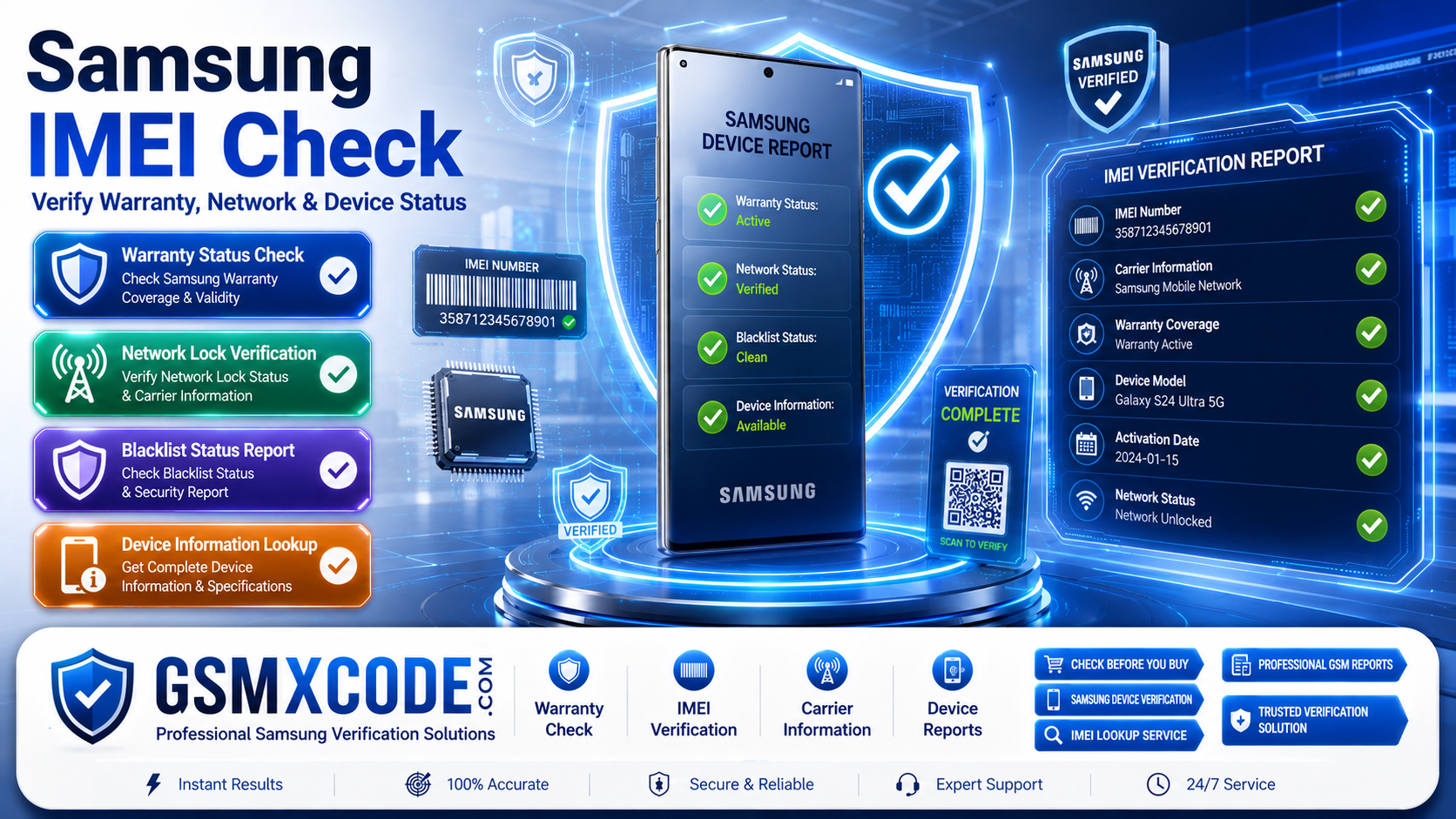
Samsung IMEI Check Guide – Verify Warranty, Network and Device Status
Meta Description: Learn how to perform a Samsung IMEI check to verify warranty status, network lock information, blacklist status, device specifications, and activation details. Discover professional Samsung IMEI check services available through GSMXCODE.
Samsung IMEI Check Guide: Why Every Samsung User Should Verify Their Device
Whether you're buying a used Samsung phone, checking warranty coverage, verifying network status, or troubleshooting a device issue, performing a Samsung IMEI check is one of the most important steps you can take.
Many users search for:
-
Samsung IMEI check
-
Check Samsung warranty by IMEI
-
Samsung network lock check
-
Samsung blacklist check
-
Verify Samsung phone authenticity
-
Samsung carrier check by IMEI
-
Samsung device information check
An IMEI check can reveal critical information about a device before you purchase, sell, unlock, or repair it.
In this guide, you'll learn what an IMEI number is, what information can be verified, and how GSMXCODE can help with professional Samsung device verification services.
What Is a Samsung IMEI Number?
IMEI stands for International Mobile Equipment Identity.
Every Samsung smartphone has a unique IMEI number that acts as its identification code on mobile networks worldwide.
Think of it as the device's digital fingerprint.
A Samsung IMEI can provide information about:
-
Device Model
-
Warranty Status
-
Carrier Information
-
Network Lock Status
-
Blacklist Status
-
Activation Details
-
Manufacturing Information
-
Original Specifications
This is why users often search for how to check Samsung IMEI number before buying or servicing a phone.
How to Find Your Samsung IMEI Number
Many users search:
How to Check Samsung IMEI Number
You can find your Samsung IMEI using several methods.
Method 1: Dial *#06#
Open the Phone app and dial:
*#06#
The IMEI number will appear on the screen instantly.
Method 2: Device Settings
Go to:
Settings → About Phone → IMEI Information
Method 3: SIM Tray
Many Samsung devices have the IMEI printed on the SIM tray.
Method 4: Device Box
The original retail box often contains the IMEI label.
Samsung Warranty Check by IMEI
One of the most searched Samsung verification queries is:
How to Check Samsung Warranty Status
A Samsung IMEI check can help determine:
-
Warranty Eligibility
-
Activation Date
-
Service Coverage
-
Device Registration Information
This information is especially useful when purchasing a second-hand Samsung phone.
Many buyers search:
-
Samsung warranty checker
-
Samsung warranty status by IMEI
-
Is my Samsung still under warranty?
Verifying warranty coverage can help avoid future repair costs.
Samsung Network Lock Check
Another popular search is:
How to Check if Samsung Phone Is Network Locked
Network-locked devices are restricted to a specific mobile carrier.
Examples include:
-
AT&T Locked Samsung
-
Verizon Locked Samsung
-
T-Mobile Locked Samsung
-
Vodafone Locked Samsung
-
EE Locked Samsung
A Samsung network status check can reveal:
-
Carrier Lock Information
-
SIM Lock Status
-
Supported Networks
-
Unlock Eligibility
This is particularly important for users who travel internationally or plan to switch carriers.
Samsung Blacklist Check by IMEI
Many users search:
-
Samsung blacklist checker
-
Check if Samsung phone is blacklisted
-
Samsung stolen phone check
What Does Blacklisted Mean?
A device may become blacklisted if:
-
Reported lost
-
Reported stolen
-
Carrier restrictions exist
-
Financial obligations remain unpaid
Why Is Blacklist Verification Important?
A blacklisted device may:
-
Lose network access
-
Be blocked by carriers
-
Have limited functionality
Before purchasing any used Samsung smartphone, blacklist verification is highly recommended.
Samsung Device Information Check
A Samsung IMEI lookup can also verify important device details.
Information Commonly Available
-
Model Number
-
Device Variant
-
Storage Capacity
-
Color
-
Country of Origin
-
Manufacturing Information
-
Activation Date
Many buyers search:
-
Verify Samsung model by IMEI
-
Samsung original specifications
-
Samsung authenticity check
This helps confirm that the device matches the seller's description.
Why Perform a Samsung IMEI Check Before Buying a Used Phone?
Buying a used Samsung device without verification can be risky.
Users frequently search:
-
How to check used Samsung phone
-
Verify Samsung before buying
-
Samsung second-hand phone check
A professional IMEI check can reveal:
Hidden Network Locks
Some devices may appear unlocked but remain tied to a specific carrier.
Blacklist Issues
The phone could have restrictions that affect network usage.
Incorrect Device Information
Verification helps ensure the device matches advertised specifications.
Warranty Status
You can confirm whether official support coverage remains active.
Professional Samsung IMEI Check Services at GSMXCODE
If you need a reliable Samsung IMEI verification service, you can simply purchase Samsung check services from GSMXCODE.
GSMXCODE provides professional GSM solutions for:
-
Samsung IMEI checks
-
Warranty verification
-
Network lock checks
-
Blacklist checks
-
Carrier information reports
-
Device verification services
Visit:
to explore available Samsung verification services.
Whether you're a mobile technician, reseller, repair shop owner, or smartphone buyer, GSMXCODE offers convenient access to professional device information services.
You can also browse additional GSM services here:
https://gsmxcode.com/services/
Why Choose GSMXCODE for Samsung Device Verification?
Customers trust GSMXCODE because of:
-
Professional GSM expertise
-
Reliable verification services
-
Fast report delivery
-
Support for technicians and resellers
-
Extensive mobile device knowledge
Verifying device information before making a purchase can save time, money, and potential complications later.
Frequently Asked Questions
How do I check my Samsung IMEI number?
Dial *#06# on your Samsung phone or navigate to Settings → About Phone.
Can I check Samsung warranty by IMEI?
Yes. Warranty status can often be verified using the device's IMEI number.
How do I know if my Samsung phone is network locked?
A professional IMEI check can provide carrier and network lock information.
Can I check if a Samsung device is blacklisted?
Yes. Blacklist status is one of the most common IMEI verification services.
Why should I perform an IMEI check before buying a Samsung phone?
An IMEI check helps identify warranty status, blacklist issues, carrier restrictions, and device authenticity.
Where can I get Samsung IMEI check services?
You can simply purchase Samsung verification services from GSMXCODE and receive professional device information reports.
Final Thoughts
A Samsung IMEI check is one of the most valuable tools for verifying a device's history, warranty coverage, carrier status, and authenticity. Whether you're purchasing a used smartphone, troubleshooting a device issue, or checking network compatibility, IMEI verification provides critical information before making decisions.
If you are searching for Samsung IMEI check, Samsung warranty check by IMEI, Samsung blacklist check, Samsung carrier verification, or Samsung network status reports, GSMXCODE offers professional verification services designed for consumers, technicians, and resellers.
Visit https://gsmxcode.com/ today to explore available Samsung IMEI check services and professional GSM solutions.
