
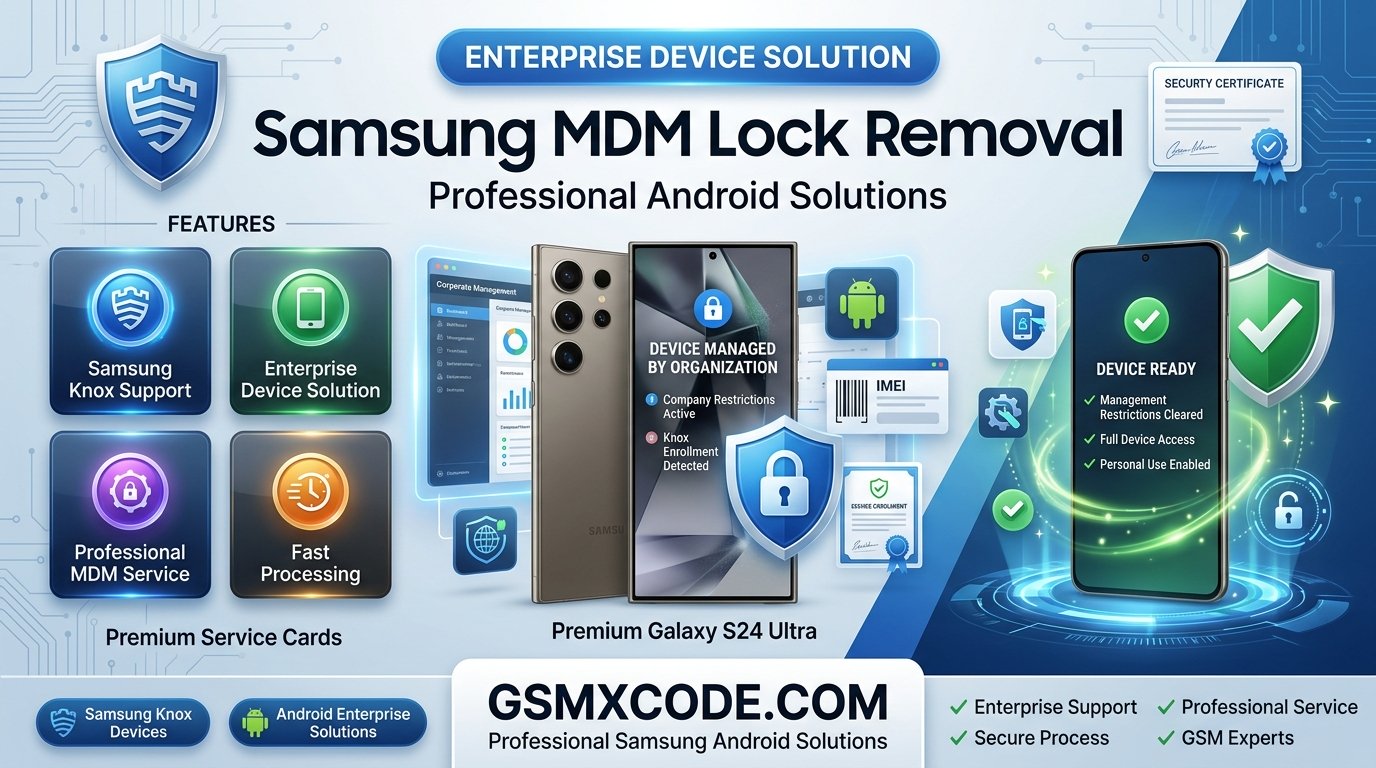
Samsung MDM Lock Removal Guide – Professional Android Solutions
Meta Description: Learn what Samsung MDM Lock is, why devices become managed by organizations, how to identify MDM restrictions, and explore professional Samsung MDM solutions. Discover Samsung-related services available through GSMXCODE.
Samsung MDM Lock Removal Guide: Understanding Mobile Device Management on Android
Samsung smartphones are widely used by businesses, schools, government organizations, and enterprises around the world. To manage company-owned devices, many organizations use Mobile Device Management (MDM) systems that allow administrators to control security policies, applications, and device settings remotely.
However, users often encounter situations where a Samsung device remains enrolled in an MDM system even after changing ownership or leaving an organization. As a result, many people search for:
-
Samsung MDM lock removal
-
Samsung device managed by organization
-
Samsung enterprise lock solution
-
Android MDM unlock service
-
Samsung Knox enrollment lock
-
Remove company restrictions from Samsung phone
-
Professional Samsung MDM solution
If your Samsung device displays management restrictions or enrollment messages, this guide explains how MDM works, common lock scenarios, and available professional solutions.
What Is Samsung MDM Lock?
MDM stands for Mobile Device Management.
Organizations use MDM software to manage smartphones remotely. Through MDM systems, administrators can:
-
Install applications
-
Configure security settings
-
Restrict device functions
-
Track company-owned devices
-
Enforce compliance policies
-
Protect corporate data
Samsung devices often use:
-
Samsung Knox Manage
-
Microsoft Intune
-
VMware Workspace ONE
-
IBM MaaS360
-
MobileIron
-
Enterprise Mobility Management (EMM) platforms
When a device remains connected to an organization's management system, restrictions may continue even after a factory reset.
Why Does a Samsung Device Become MDM Locked?
There are several common situations where users encounter MDM restrictions.
Former Company Device
Many users purchase devices that were previously owned by businesses.
Common searches include:
-
Bought used Samsung phone managed by organization
-
Samsung company phone locked
-
Samsung enterprise enrolled device
If the previous owner did not properly remove management enrollment, restrictions may remain active.
School or Educational Devices
Educational institutions often deploy Samsung devices with management policies.
Users frequently search:
-
Samsung school device unlock
-
Remove school management Samsung tablet
Corporate Security Policies
Organizations may configure devices to automatically re-enroll in MDM after a factory reset.
This can lead to:
-
Knox enrollment screens
-
Company portal requirements
-
Device management messages
Signs Your Samsung Device Is MDM Locked
Many users are unsure whether they are dealing with MDM restrictions.
Common indicators include:
Device Managed by Organization
Messages such as:
"This device is managed by your organization"
Knox Enrollment Screen
Samsung devices may display:
-
Knox Mobile Enrollment
-
Enterprise Enrollment Required
-
Company Portal Setup
Restricted Settings
Users may be unable to:
-
Remove accounts
-
Install applications
-
Modify security settings
-
Disable management apps
Automatic Re-Enrollment
After a reset, the device may automatically reconnect to the organization's management platform.
Samsung Knox Enrollment Lock Explained
Samsung Knox is one of the most widely used enterprise management systems.
Many users search:
-
Samsung Knox enrollment lock
-
Remove Knox enrollment
-
Samsung enterprise enrollment solution
Knox allows organizations to:
-
Manage company devices
-
Deploy applications
-
Monitor compliance
-
Configure security policies
Devices enrolled through Knox Mobile Enrollment may automatically reconnect to the management server after setup.
How to Check if a Samsung Device Has MDM Restrictions
Before requesting assistance, gather the following information.
Device Model
Examples include:
-
Samsung Galaxy S24 Ultra
-
Samsung Galaxy S24
-
Samsung Galaxy S23 Ultra
-
Samsung Galaxy A55
-
Samsung Galaxy A35
-
Samsung Galaxy Tab Series
MDM Provider Information
If visible, note:
-
Knox Manage
-
Intune
-
Workspace ONE
-
MaaS360
-
MobileIron
Current Lock Screen
Document any messages displayed during setup or enrollment.
This information helps determine the current management status.
Why Users Search for Professional Samsung MDM Solutions
Many users look for professional assistance because MDM systems are designed to resist unauthorized changes.
Common searches include:
-
Professional Samsung MDM unlock service
-
Android enterprise lock solution
-
Samsung managed device assistance
-
Secure MDM removal service
Benefits of Professional Evaluation
Device-Specific Assessment
Different Samsung models and Android versions may have different management configurations.
Enterprise Expertise
Professional GSM specialists understand Samsung enterprise environments and device management systems.
Time Savings
Technical evaluation can help identify available options more efficiently.
Samsung MDM Solutions Available Through GSMXCODE
If you are looking for Samsung-related GSM services, you can simply purchase supported Samsung solutions from GSMXCODE.
GSMXCODE provides professional GSM services, device verification solutions, mobile support services, and Android-related solutions for customers worldwide.
Visit:
to explore available Samsung services and GSM solutions.
Whether you are a repair technician, reseller, business owner, or smartphone user, GSMXCODE offers access to a wide range of mobile service solutions.
You can also browse additional services here:
https://gsmxcode.com/services/
Why Choose GSMXCODE?
Customers choose GSMXCODE because of:
-
Professional GSM expertise
-
Mobile industry experience
-
Reliable service options
-
Fast processing
-
Support for technicians and businesses
If you need Samsung-related services, you can simply buy the required service directly from GSMXCODE and receive professional assistance.
Frequently Asked Questions
What is Samsung MDM Lock?
Samsung MDM Lock is a management restriction applied through enterprise mobility management systems that control device settings and security policies.
Why does my Samsung phone say "Managed by Organization"?
The device is likely enrolled in a Mobile Device Management platform used by a company, school, or organization.
What is Samsung Knox Enrollment?
Knox Enrollment is Samsung's enterprise management system that allows organizations to automatically configure and manage devices.
Can a factory reset remove MDM restrictions?
Some enterprise management systems automatically re-enroll devices after a reset if enrollment records remain active.
How do I know if my Samsung device has MDM?
Common signs include management messages, enrollment screens, restricted settings, and enterprise application requirements.
Where can I get Samsung-related GSM services?
You can simply purchase supported Samsung solutions from GSMXCODE.
Final Thoughts
Samsung MDM systems play an important role in protecting company-owned devices and business data. However, management restrictions can sometimes remain active on devices that change ownership or leave enterprise environments.
If you are searching for Samsung MDM lock removal, Samsung enterprise lock solution, Samsung Knox enrollment assistance, Android managed device support, or professional Samsung GSM services, GSMXCODE provides access to a wide range of mobile service solutions and technical support.
Visit https://gsmxcode.com/ today to explore available Samsung services and professional GSM solutions.
