
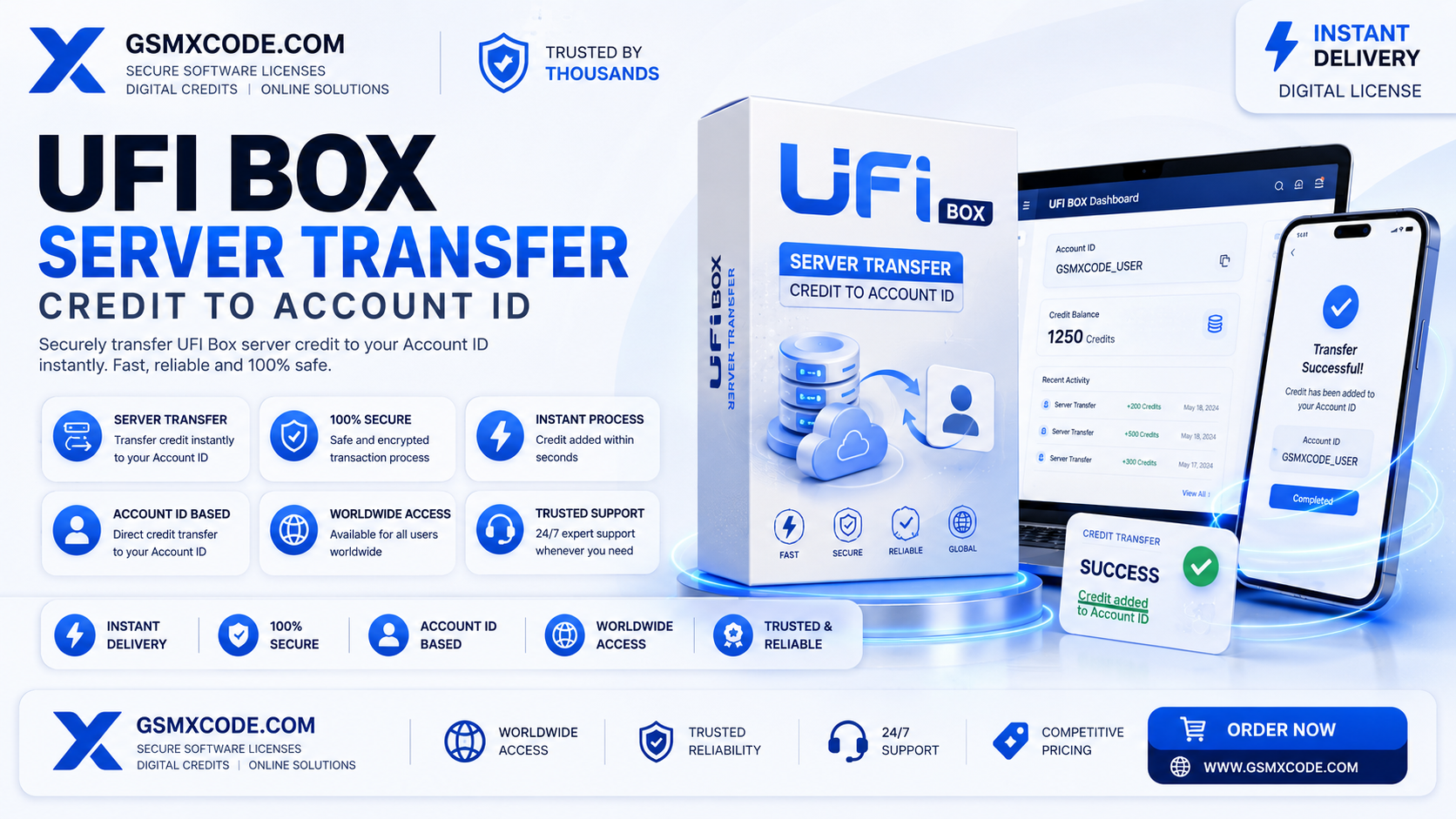
UFI Box Server Credit Transfer to Account ID – Complete Guide (2026)
UFI Box Server Credit Transfer to Account ID: A Complete Guide for Technicians
If you own a UFI Box, you already know that most of its repair functions run on a credit system rather than a flat subscription. What trips up a lot of technicians — especially newer ones — isn't the tool itself, but understanding exactly how server credit transfer to Account ID works. Where do the credits actually go? Why is your Account ID so important? And what happens if you buy credits but they don't show up on your dongle?
This guide breaks down the entire process of UFI Box server credit transfer, explains what your Account ID actually represents, and walks through how to buy and apply credits correctly the first time — so you're not left guessing why your balance isn't updating mid-repair.
Table of Contents
- What Is UFI Box?
- What Does "Server Credit Transfer to Account ID" Mean?
- Why the Account ID Matters
- How the Credit Transfer Process Works
- Why a Genuine Credit Purchase Matters
- Key Features Unlocked by UFI Box Credits
- Who Needs This Service
- Requirements Before Requesting a Transfer
- Supported Devices and Operations
- Common Problems Technicians Face
- Common Mistakes When Buying Credits
- Pricing Factors
- Buying Guide
- Best Practices for Managing Your Credit Balance
- Troubleshooting Transfer Issues
- Frequently Asked Questions
- Final Thoughts
What Is UFI Box?
UFI Box is a well-known hardware dongle used by GSM technicians for tasks like IMEI repair, EEPROM operations, and other low-level servicing work on a range of mobile devices. Unlike purely software-based tools, UFI Box combines physical hardware with a server-based credit system — meaning most of its advanced functions require credits to be available on your account before you can run them.
This is why understanding the credit system, and specifically how server credit transfer to your Account ID works, is essential for anyone relying on the box for daily repair work.
What Does "Server Credit Transfer to Account ID" Mean?
Every UFI Box user has a unique Account ID tied to their dongle registration on the UFI server. When you purchase credits, those credits don't get physically loaded onto the dongle itself — instead, they're transferred server-side directly to the balance associated with your Account ID. Your dongle then draws from that server-held balance whenever you run a credit-consuming operation.
In simple terms: the credits live on the server against your Account ID, and your dongle checks that balance each time it needs to perform a paid function.
Why the Account ID Matters
Your Account ID is the single most important detail in this entire process. If a credit transfer is sent to the wrong Account ID — even a small typo — the credits will be applied to someone else's balance instead of yours, and recovering them afterward is far more difficult than simply double-checking the ID before submitting a purchase.
Always confirm your Account ID directly from your UFI Box software or account dashboard before requesting any credit transfer, rather than relying on memory or an old screenshot.
How the Credit Transfer Process Works
The typical process looks like this:
- Locate your correct UFI Box Account ID from your dongle's software interface or account panel.
- Purchase the credit package you need from a verified seller.
- Provide your Account ID at the time of purchase so the seller can process the server-side transfer.
- The seller submits the transfer request to the UFI server.
- Once processed, the credits appear on your account balance, ready to use for supported operations.
This process is server-dependent, so transfer times can vary slightly depending on server load and the seller's processing speed.
Why a Genuine Credit Purchase Matters
Because UFI Box credits are tied to server-side balances, buying from an unverified or unreliable seller carries real risk. Problems technicians run into with disreputable sources include:
- Credits never actually transferred despite payment
- Credits sent to the wrong Account ID due to careless handling
- No support available if the transfer fails
- Significantly delayed processing with no communication
A genuine, properly handled purchase gives you:
- Confirmed transfer directly to your correct Account ID
- A support channel if something doesn't apply correctly
- Transparent pricing without hidden markups
- Peace of mind that your balance is accurate before you start a paid repair job
For genuine products and professional GSM solutions, GSMXCODE offers verified UFI Box server credit transfer with your Account ID handled carefully and confirmed after processing.
Key Features Unlocked by UFI Box Credits
Once credits are on your Account ID, they typically unlock:
- IMEI repair functions on supported devices
- EEPROM read/write operations
- Additional advanced repair functions specific to supported chipsets and brands
- Continued access to server-dependent features that require credit deduction per use
Who Needs This Service
- GSM technicians who already own a UFI Box dongle
- Shops running regular IMEI and EEPROM repair jobs
- Freelance repair professionals who need credits topped up before taking on a new job
- Any UFI Box user whose balance has run low and needs a server-side top up
Requirements Before Requesting a Transfer
- An active, registered UFI Box Account ID
- A stable internet connection to confirm your Account ID and check your balance after transfer
- Accurate details provided at the time of purchase to avoid transfer errors
- Your UFI Box software installed and ready to reflect the updated balance once the transfer completes
Supported Devices and Operations
UFI Box credits generally apply across a broad range of supported brands and chipsets for IMEI repair, EEPROM work, and related servicing functions. Since supported devices and operation types are periodically updated, it's worth checking your UFI Box software for the current list relevant to your specific repair needs.
Common Problems Technicians Face
- Credits not appearing after purchase — usually resolved by confirming the correct Account ID was submitted and allowing normal processing time.
- Balance mismatch after a transfer — check your UFI Box software for the latest sync rather than relying on a cached balance.
- Wrong Account ID submitted — always double-check this value directly from your software before any purchase.
- Server processing delays — occasional delays can happen depending on server load; patience combined with seller communication usually resolves this.
Common Mistakes When Buying Credits
- Copying an old or incorrect Account ID instead of confirming the current one
- Buying from unverified sellers with no transfer confirmation or support
- Not checking your balance after a transfer before starting a paid job
- Assuming credits are stored on the dongle itself rather than the server-side account
Pricing Factors
UFI Box credit pricing generally depends on:
- The size of the credit package purchased
- Current promotional pricing from the seller
- Whether the seller includes transfer confirmation and support
Because pricing can shift, it's best to check current rates directly. You can view up-to-date UFI Box credit transfer pricing on GSMXCODE.
Buying Guide
- Confirm your Account ID first, directly from your UFI Box software, before making any purchase.
- Estimate how many credits you'll realistically use based on your typical repair volume.
- Choose a seller who confirms the transfer rather than one that processes silently with no follow-up.
- Check your balance immediately after purchase to confirm the credits landed correctly.
Once you're ready, you can simply buy this service from GSMXCODE, where UFI Box server credit transfer is processed directly to your verified Account ID with confirmation and support included.
Best Practices for Managing Your Credit Balance
- Keep a small credit buffer so you're not caught short mid-repair
- Recheck your Account ID periodically, especially if you've reinstalled your UFI Box software
- Keep a record of your purchase and Account ID used for each transfer
- Monitor your balance regularly rather than assuming it's accurate without checking
Troubleshooting Transfer Issues
- If credits haven't appeared, first confirm the Account ID submitted matches your current one exactly
- Refresh or restart your UFI Box software to force a balance sync
- Allow a short processing window, as server-side transfers aren't always instant
- Contact your seller's support team with your order details and Account ID if the credits still haven't appeared after a reasonable wait
If you're looking for a reliable solution, GSMXCODE offers professional services for UFI Box server credit transfer, including support and confirmation if a transfer doesn't reflect correctly.
Frequently Asked Questions
1. What is UFI Box server credit transfer to Account ID? It's the process of adding purchased credits directly to your UFI Box account balance, tied to your unique Account ID, rather than loading them onto the physical dongle itself.
2. Where do I find my UFI Box Account ID? It's available directly in your UFI Box software or account dashboard — always confirm it there before making a purchase.
3. What happens if I give the wrong Account ID? The credits will be transferred to that account instead of yours, which is why double-checking your ID before purchase is essential.
4. How long does a credit transfer usually take? This varies depending on server load and the seller's processing speed, though most transfers complete within a reasonable window after payment.
5. Are UFI Box credits stored on my dongle or on the server? They're held server-side against your Account ID, and your dongle checks that balance whenever a credit-consuming operation is run.
6. What can I do with UFI Box credits once transferred? They unlock supported operations like IMEI repair and EEPROM functions on compatible devices.
7. Do UFI Box credits expire? Terms can vary, so it's worth confirming current expiry policy at the time of purchase.
8. Is it safe to buy UFI Box credits online? It's safe when purchased from a verified seller who confirms the transfer — unverified sources carry a real risk of credits never arriving.
9. What should I do if my credits don't show up after purchase? Confirm your Account ID was correct, check for processing delays, and contact your seller's support team with your order details.
10. Where can I buy genuine UFI Box server credit transfer? You can purchase verified UFI Box credit transfer directly through GSMXCODE's services page, with your Account ID confirmed before processing.
Final Thoughts
UFI Box server credit transfer is a straightforward process once you understand the core concept: credits live on the server against your Account ID, not on the dongle itself. The single most important step in the entire process is making sure your Account ID is correct before you buy — everything else, from processing time to balance confirmation, follows from getting that detail right.
For technicians who want a verified, properly confirmed buying experience, GSMXCODE offers UFI Box server credit transfer with careful Account ID handling and support if anything doesn't apply correctly. Visit GSMXCODE or browse the full services page to top up your account before your next repair job.
Recommended Related Articles
- "UFI Box vs Other IMEI Repair Dongles: What Technicians Should Know"
- "How to Avoid Common Mistakes When Buying GSM Tool Credits"
- "EEPROM Repair Explained: A Guide for GSM Technicians"
- "Server-Based vs Dongle-Stored Credits: Understanding the Difference"
- "A Technician's Checklist Before Topping Up Any GSM Tool Account"
